Assemblies
Drill down by system
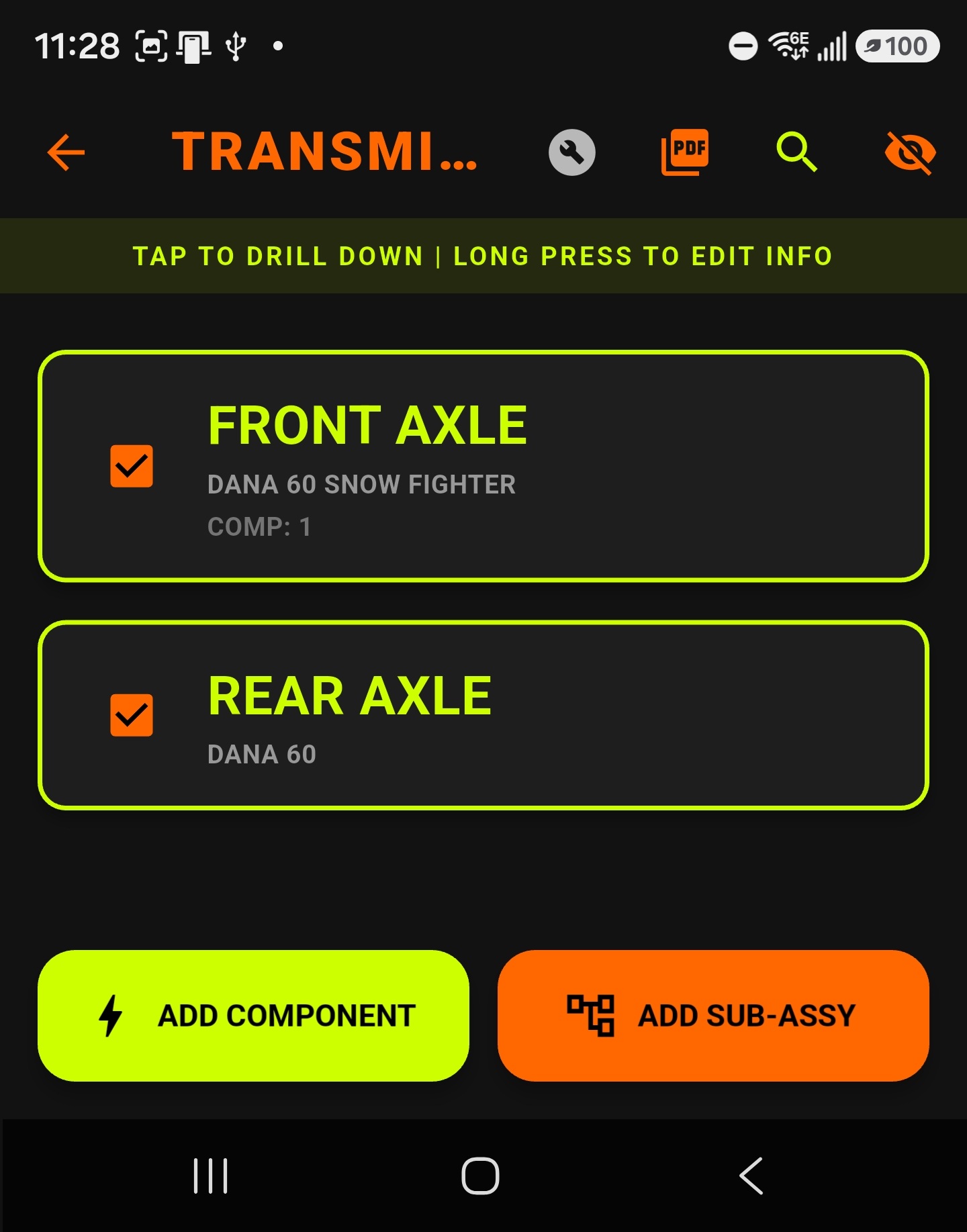
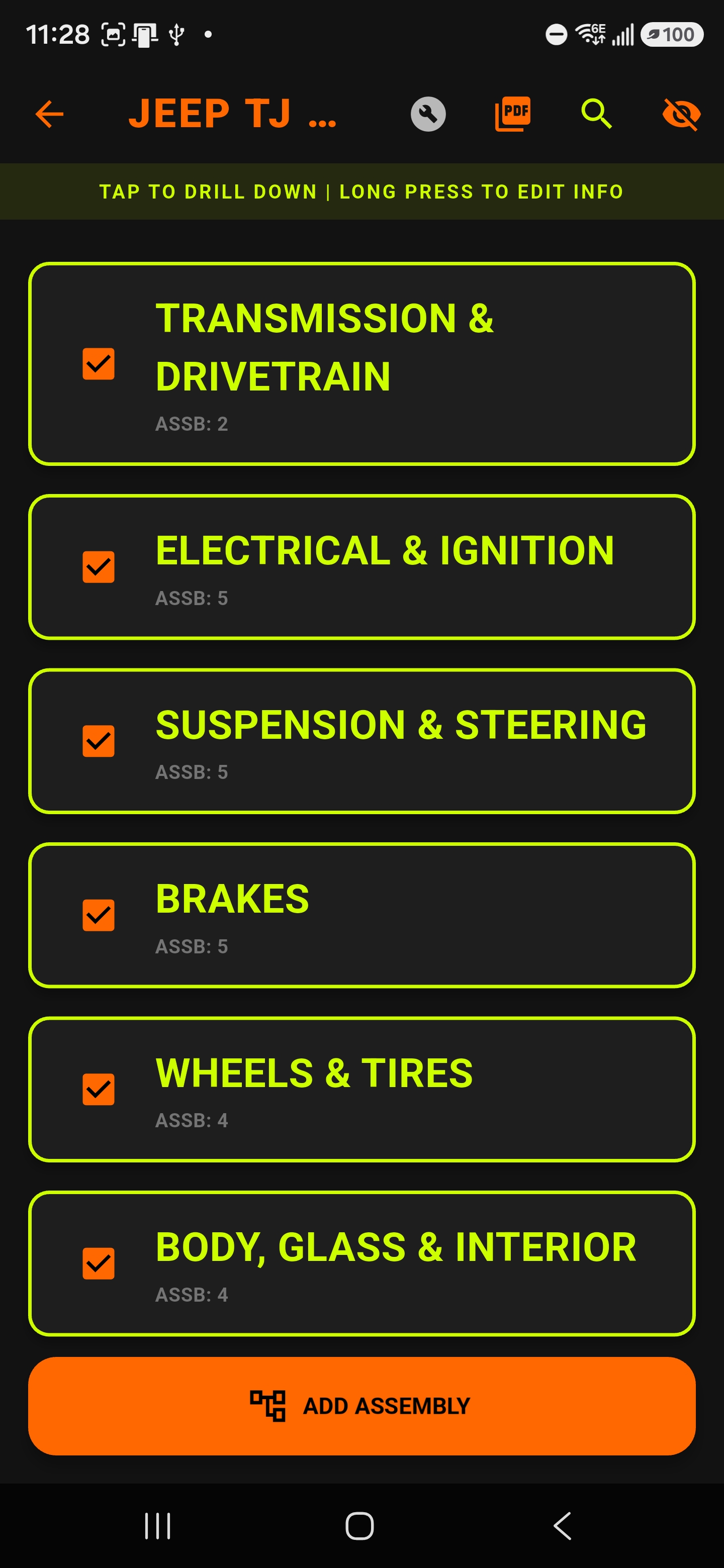
Organize builds into sub-assemblies and components so suspension, drivetrain, brakes, body, and electrical all stay easy to navigate.
Keep every assembly, component, torque spec, spare part, and maintenance task in one rugged place. Dirty Hands Toolbox is built for real-world builds, trail rigs, shop projects, and long-term ownership.
iPhone / iPad tip: Save it like an app
After opening the web app in Safari, add it to your Home Screen:
Android users: download from Google Play for the full native experience. iPhone and iPad users can open the web app in Safari and use Share → Add to Home Screen.
Built around offline-first part tracking, nested assemblies, torque and hardware specs, and maintenance logging that stays useful long after the initial build is done.
Organize builds into sub-assemblies and components so suspension, drivetrain, brakes, body, and electrical all stay easy to navigate.
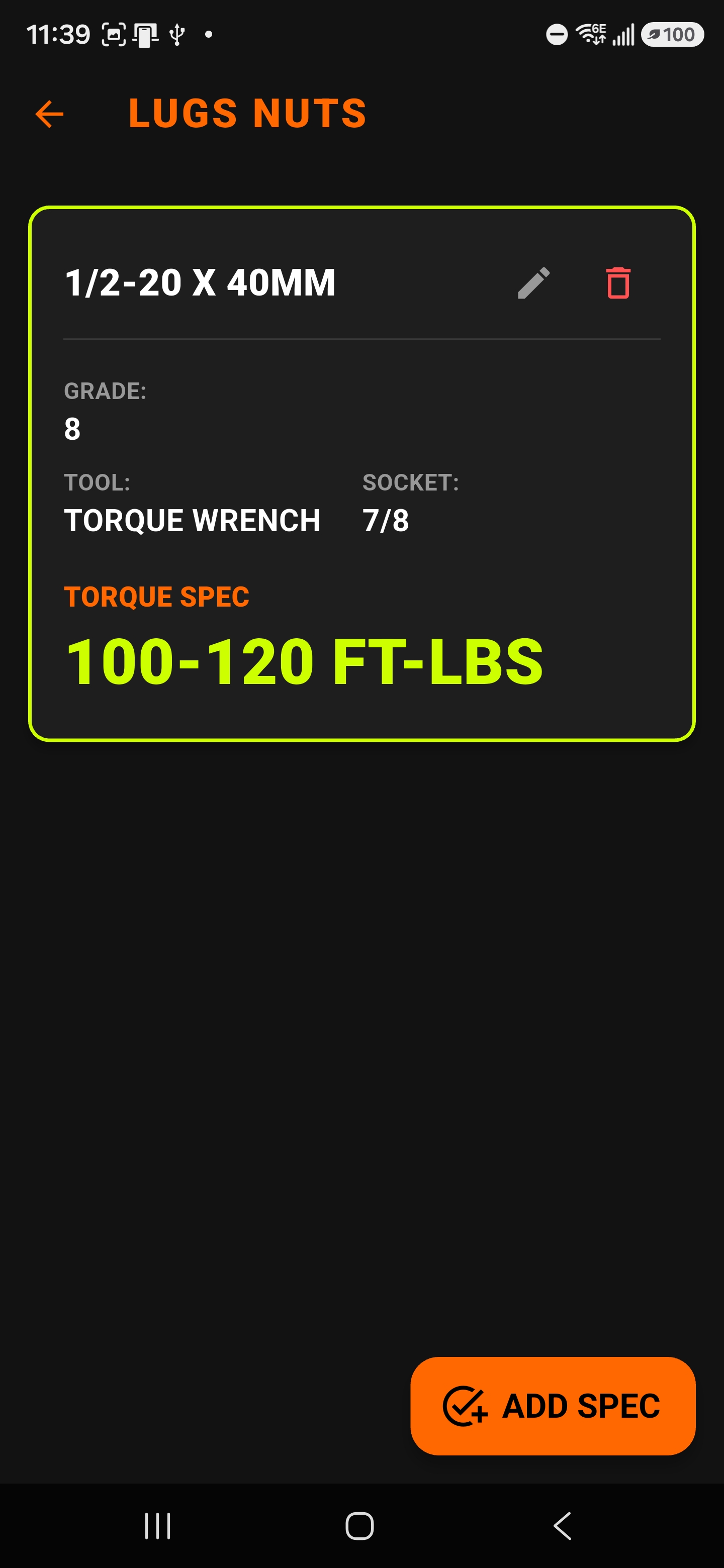
Keep bolt sizes, torque values, thread locker notes, socket types, grades, and tool requirements attached to the exact assembly or component.
Log intervals, mileage, dates, and notes so future you knows exactly what was installed, serviced, and when.
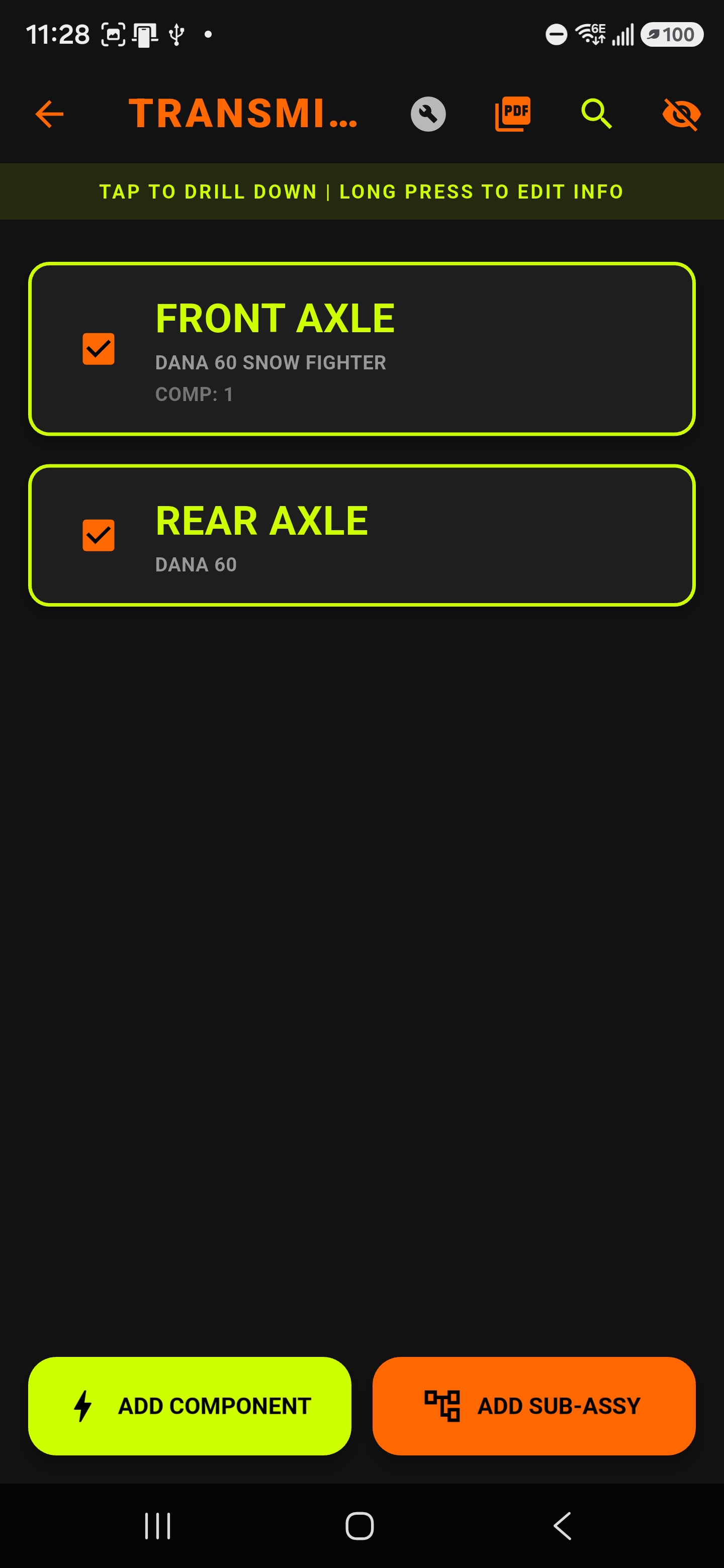
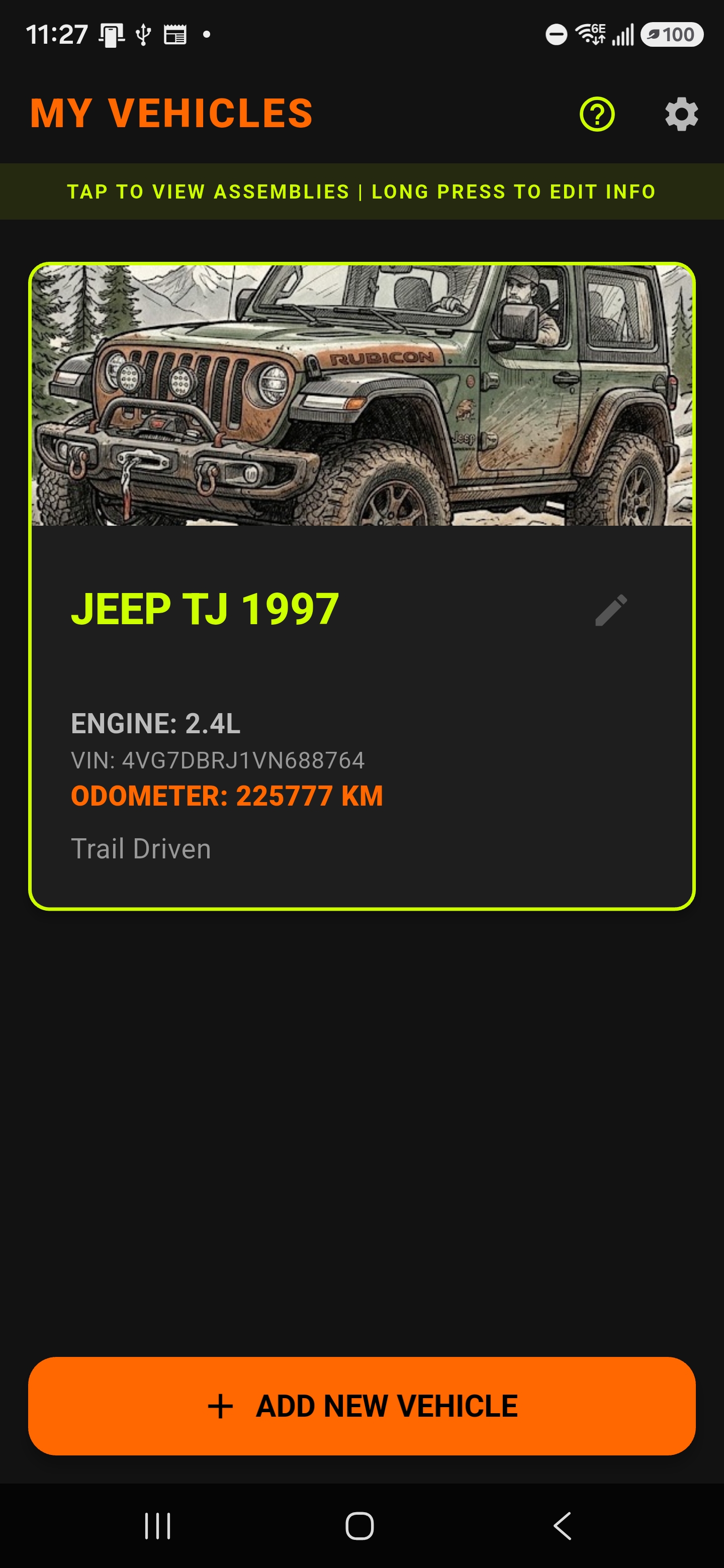
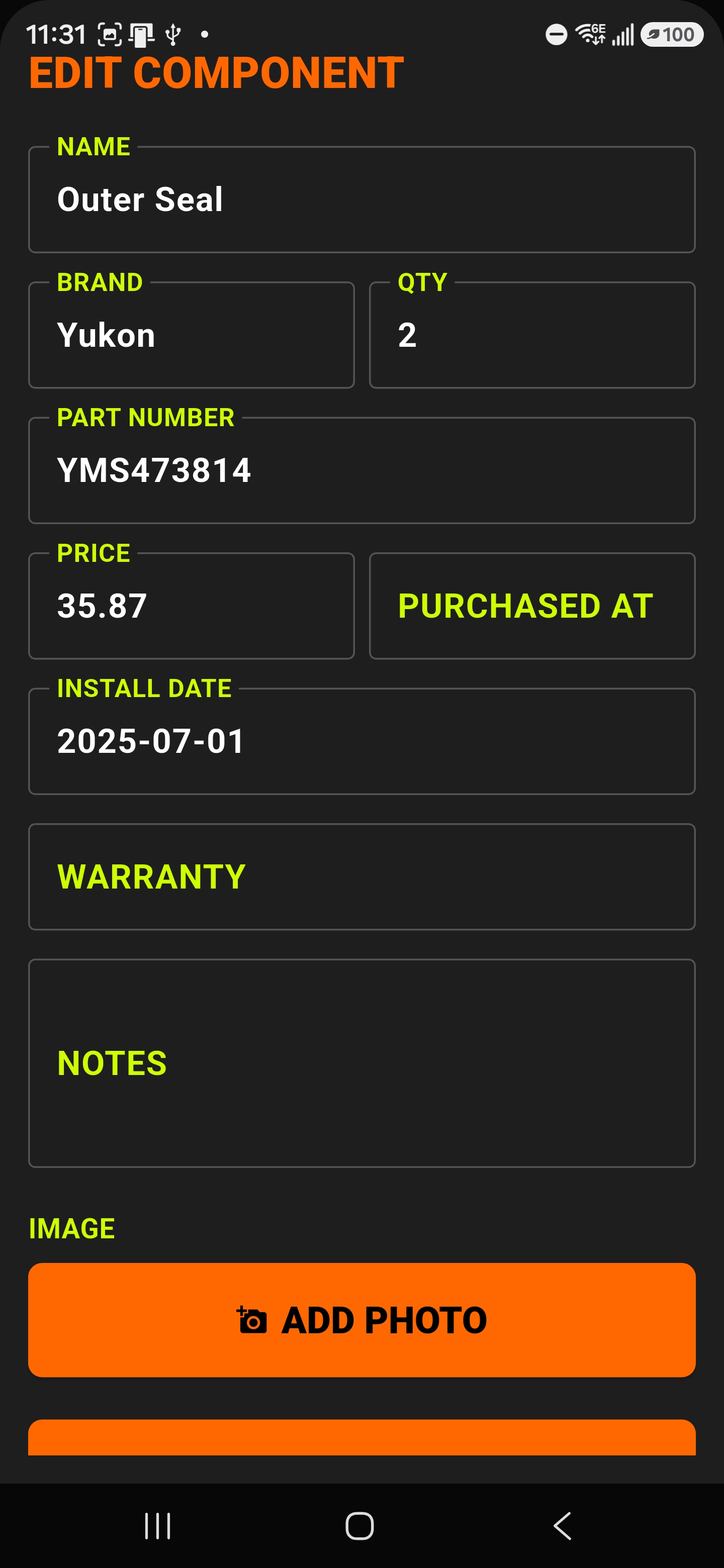
These screens show the app's actual look and feel: nested assemblies, torque-spec cards, component editing, and the main vehicle view.

Download the full native Android app from Google Play for the best device-integrated experience — camera, barcode scanning, local file sharing, and offline-first workflows.
Use the web version on iPhone or iPad, then add it to the Home Screen for a more app-like experience. Great for quickly checking parts, specs, and maintenance history in the garage.